Release Notes

Follow new updates and improvements to Gymflow.

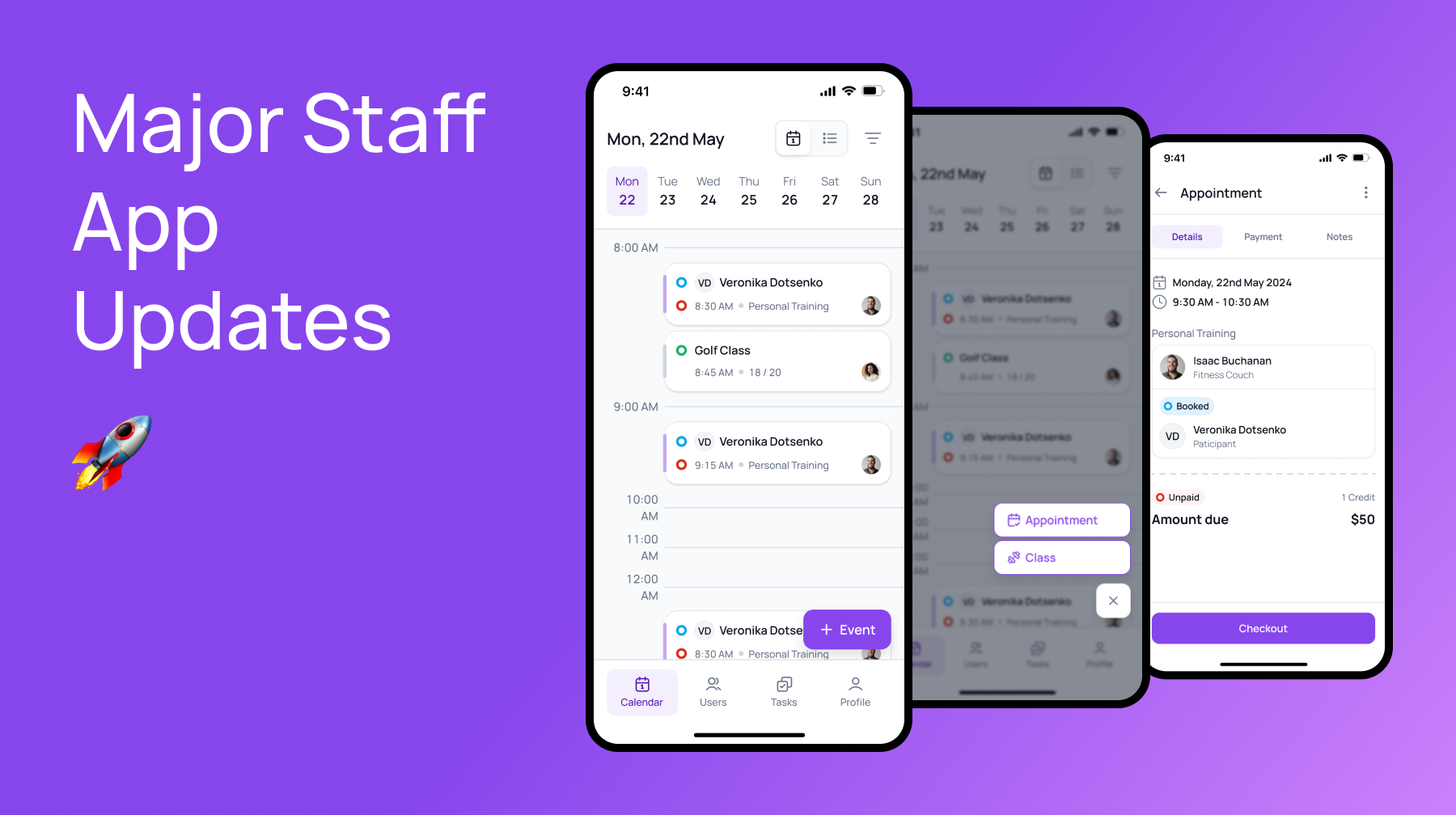
Major Staff App Updates 📅

We’ve started a major overhaul of the staff app, including a ton of new exciting features and UI/UX improvements. Watch this space as we continue to rollout major updates all the way to the end of this year!


Appointments Now Available! 🚀

You can now create appointments from the staff app, you can also manage all aspects of appointments directly from the app including:

  • Rescheduling

  • Managing Attendance

  • Managing Payments & Refunds

P.S Keep your eyes peeled for recurring appointments coming VERY soon. 😉

New Calendar View 📅

We’ve create a new calendar view so you can better see your available times from the mobile app, this includes better sorting and grouping so you can find classes and appointments faster!


Updated UI 📅

We’ve update the event cards to better organise them to make it easier to find what you are looking for at a glance. We’ve moved common tasks on the calendar page like class/appointment creation within thumbs reach and improved button sizing to give you more space for the information that matters.

Kind regards,

Isaac - Founder

Staff Mobile App

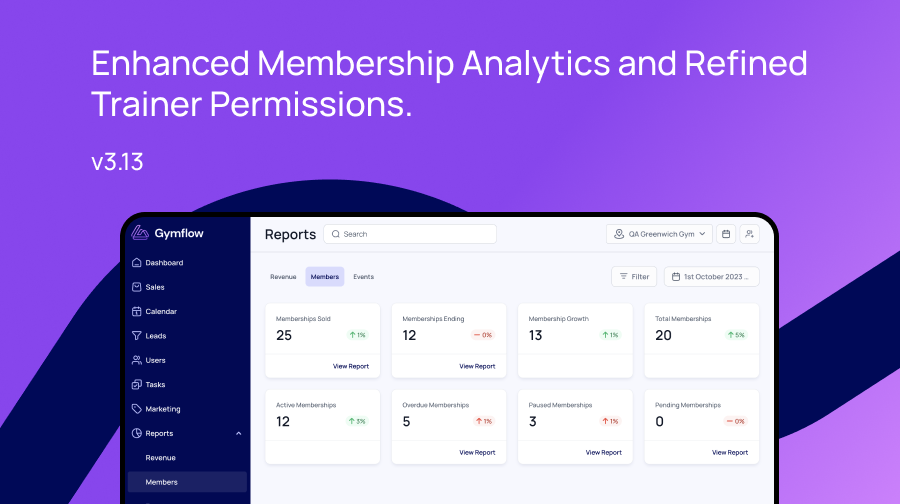
Gymflow Update: Enhanced Membership Analytics and Refined Trainer Permissions

The team has been hard at work improving your Gymflow experience. Check out the latest features and improvements that have just released.

📊 In-Depth Membership Analysis

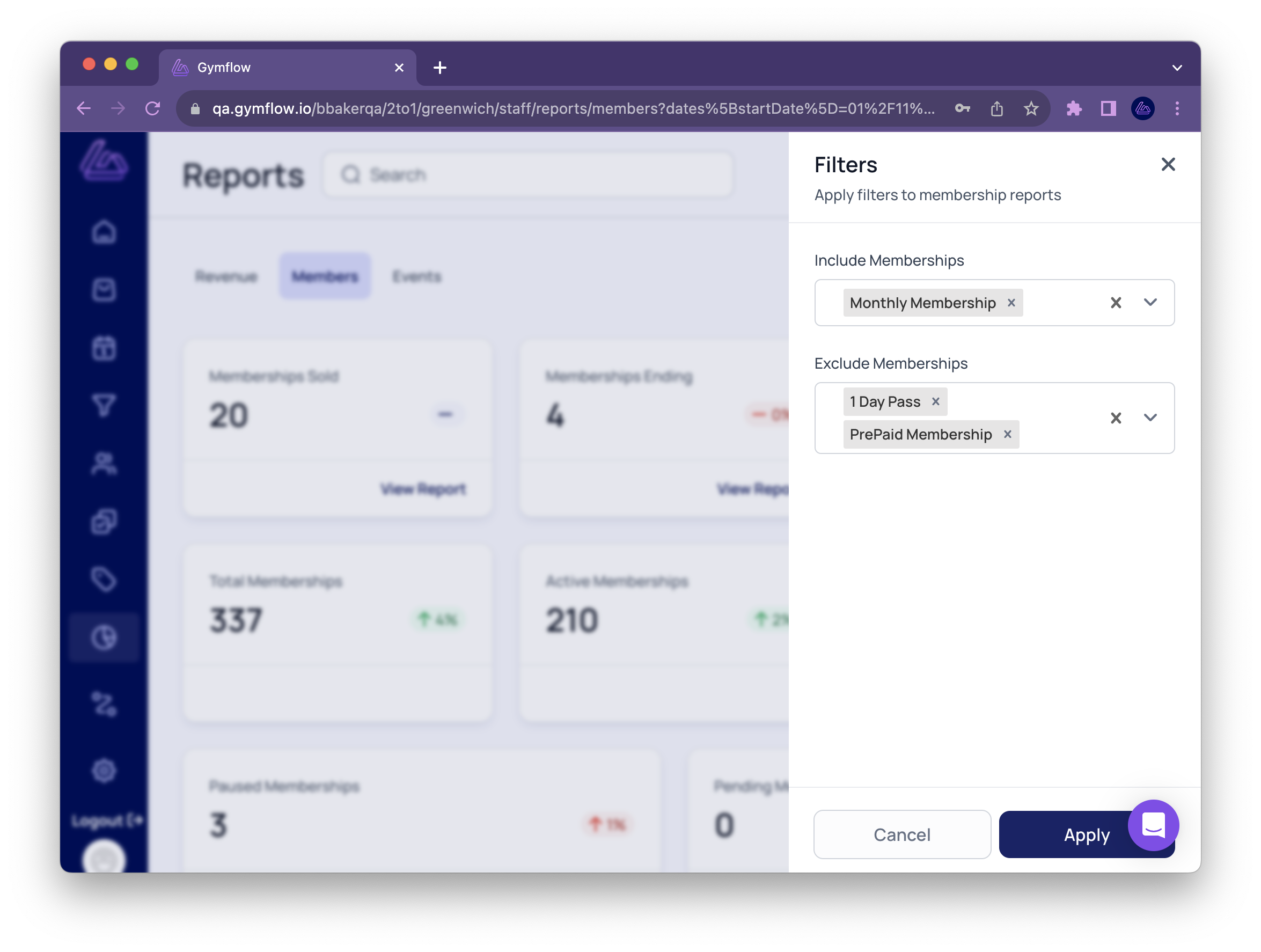
Filter the Memberships Overview Dashboard

Get a more granular overview of memberships:

  • Filter all reports by membership type.

  • See an overview for a specific membership or set of memberships.

  • Exclude non-standard memberships like complimentary passes to obtain more accurate metrics.

Filter the 'Memberships Ending' Report

Keep on top of memberships that at are at risk of churning:

  • Filter by membership(s).

  • Exclude specific memberships.

  • Export results to a CSV file.

📋 Improvements to Class Waitlists

If a staff member increases the capacity of a class, empty slots are automatically filled by members on the waitlist.

🏋️ Trainer Role Restrictions

Trainers now have restricted access to sensitive user data, ensuring better compliance and privacy protection.

  • Trainers can only view, create and edit classes which they are hosting.

  • Trainers can only view and edit users they are assigned to or they created.

🌟 Your Feedback Matters!

We're committed to your success. Help us improve Gymflow by leaving a review on G2 and receive a $50 Amazon gift card as a thank-you.

Review Gymflow on G2 ⭐️⭐️⭐️⭐️⭐️

Questions? Reach us directly in-app. Thank you for being a part of the Gymflow community!

🎉 New Features: Late Cancellations, New Class Creator, and More

We're excited to share the latest new features and enhancements to Gymflow!

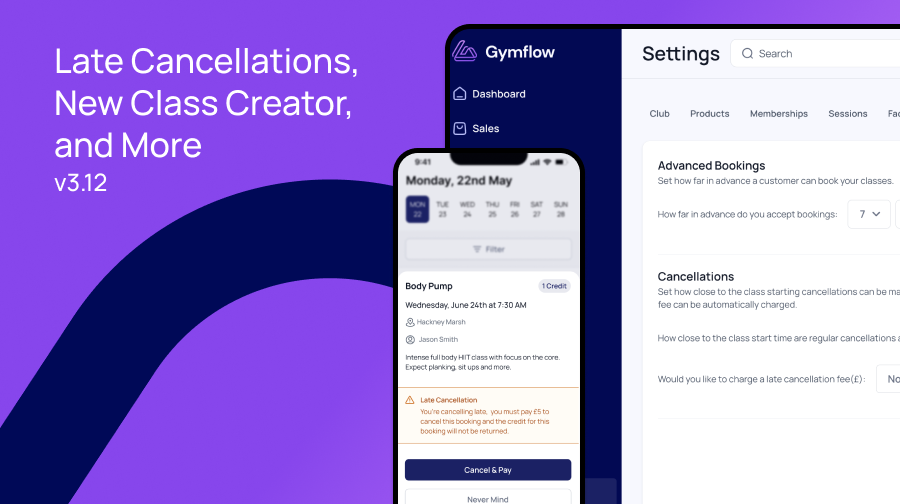
💸 Late Cancellations

You can now automatically accept late cancellations for bookings, with the option to also charge a fee.

Late cancelations can:

  • Open up more spaces in classes: Members can now cancel late, opening up slots for other members on the waitlist or who want to join at the last minute.

  • Increase attendance: With a financial incentive to attend, members are more likely to show up for their booked sessions, contributing to a more active and engaged clientele.

  • Improve member satisfaction: Less late cancellations means more class spots available for those who will actually show up. Over time, gym members will appreciate being able to book more of their favourite classes.

  • Boost revenue: Late cancellation fees can provide an additional stream of income for your gym. Unfilled class slots due to late cancellations represent lost revenue, and these fees help recoup some of that.

Choose how close to a class starting a member can cancel. If a member cancels late, they won’t get their credit back and you can choose how much late cancellers will be charged (if anything).

Click here to find out more.

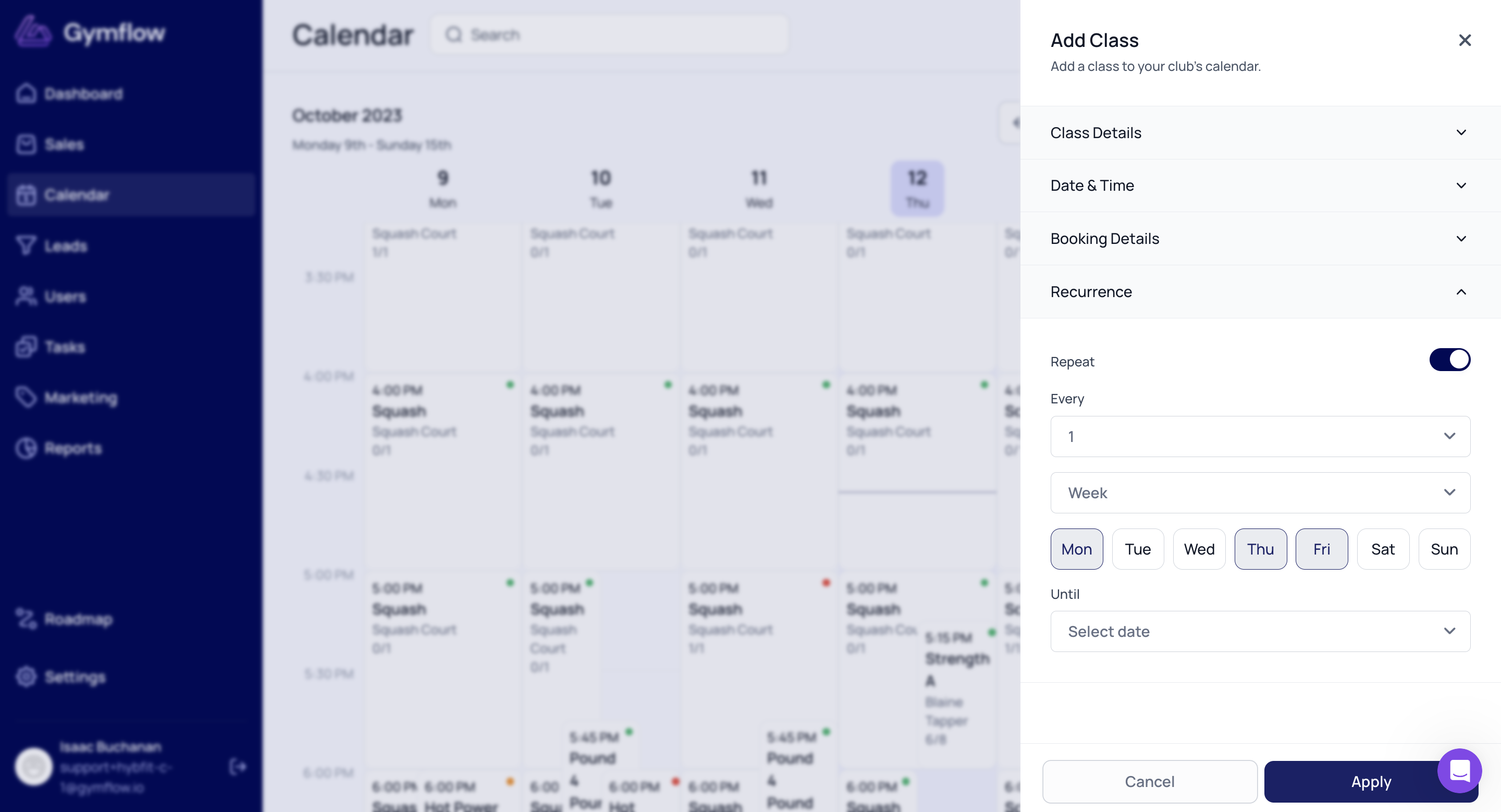
🗓️ New Class Creator

Adding and editing classes just got a lot easier. Our new class creator is much more intuitive, making it easier to select times, set up repeating classes, and more.

You can try it yourself by going to the Calendar and selecting Add Class.

🔧 Other Improvements

  • 🧾 Custom fields on invoices: Allow staff to easily add custom information, such as registration numbers for insurance purposes, to members' invoices through their profiles, which are then automatically included in all of their invoices.

  • 🚀 Smoother app updates for members: Whenever a member opens their app, they will be taken straight to their dashboard without seeing any unnecessary loading screens. Updates happen seamlessly in the background.

  • 📈 Reports performance improvements: Reports and dashboards now load faster. Saving you time.

🐛 Bug Fixes

  • ‘Invalid time’ error when saving a task: Previously, editing and saving a task would cause an ‘invalid time’ error. This has now been fixed so you can edit tasks without issue.

🌟 We Value Your Feedback!

At Gymflow, we're committed to providing you with the best possible experience. Your feedback helps us improve our services and reach more gyms.

If you've enjoyed using Gymflow and would like to share your experience with others, we encourage you to leave a review on G2. As a token of our appreciation, we'll reward you with a $25 Amazon gift card.

Review Gymflow on G2 ⭐️⭐️⭐️⭐️⭐️

And, of course, reach out to us in the app if you have any questions. Thank you for being a valued member of the Gymflow community!
Earlier updates