Updates: Waitlist & Promo Code Improvements ✨
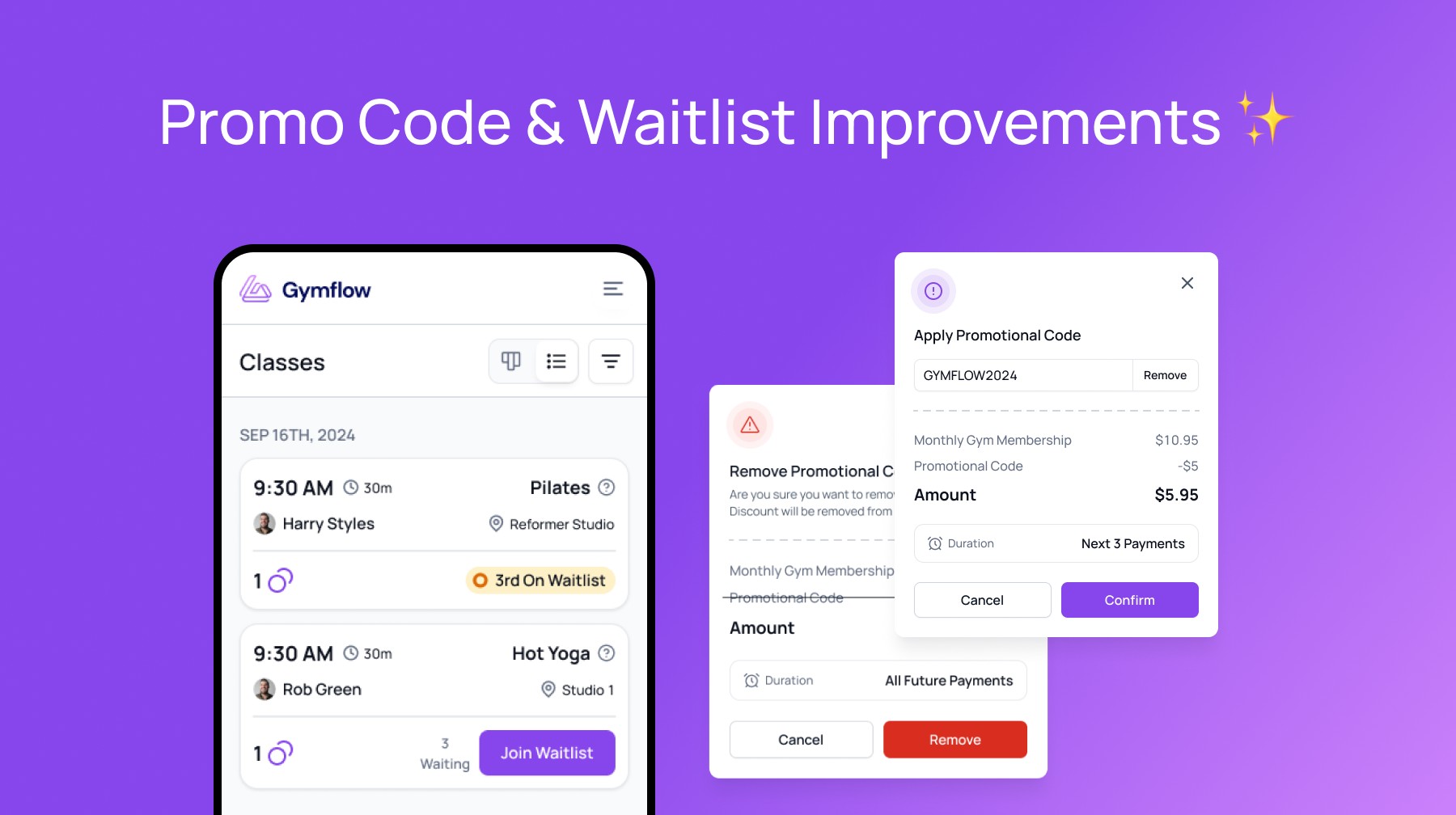
In this week’s release we’ve actioned some common feedback we have been getting on making a few things easier to use in both the members app and the staff web portal.
View, Add & Remove Promo Codes ✨
View Promo Codes Used: You can now see if a promotion code has been applied to a membership from the user membership page. You can also see how much discount is applied and how many periods remain.
Add/Remove Promo Codes: If the user forgot to use a promo code or perhaps the wrong code was applied, or any other reason. You can now add or remove a promotional code to a membership at any active or pending membership.
Please note that restrictions on code usage still apply when adding codes.
Please note that if the code has any discounts of the initial payment, they will not be applied as this payment has already been taken. Only recurring discounts will be applied.
Waitlist Improvements 📱
Users can now now see how many people are in a waitlist prior to joining the waitlist and can also now now see what position in the waitlist they are in.
This will help the users better understand and manage their bookings and improve attendance rates and overall satisfaction in the booking process.
Other Minor Improvements
Members can no longer edit their profile details when they have an Active, Paused, Pending or Overdue membership. Users were sometimes changing details to avoid being pursued for outstanding payments or sharing accounts.
A bug that was causing contract end dates to change when membership status changes were made has been resolved.