June Updates — Joining Fees, Booking Access, Zapier & More
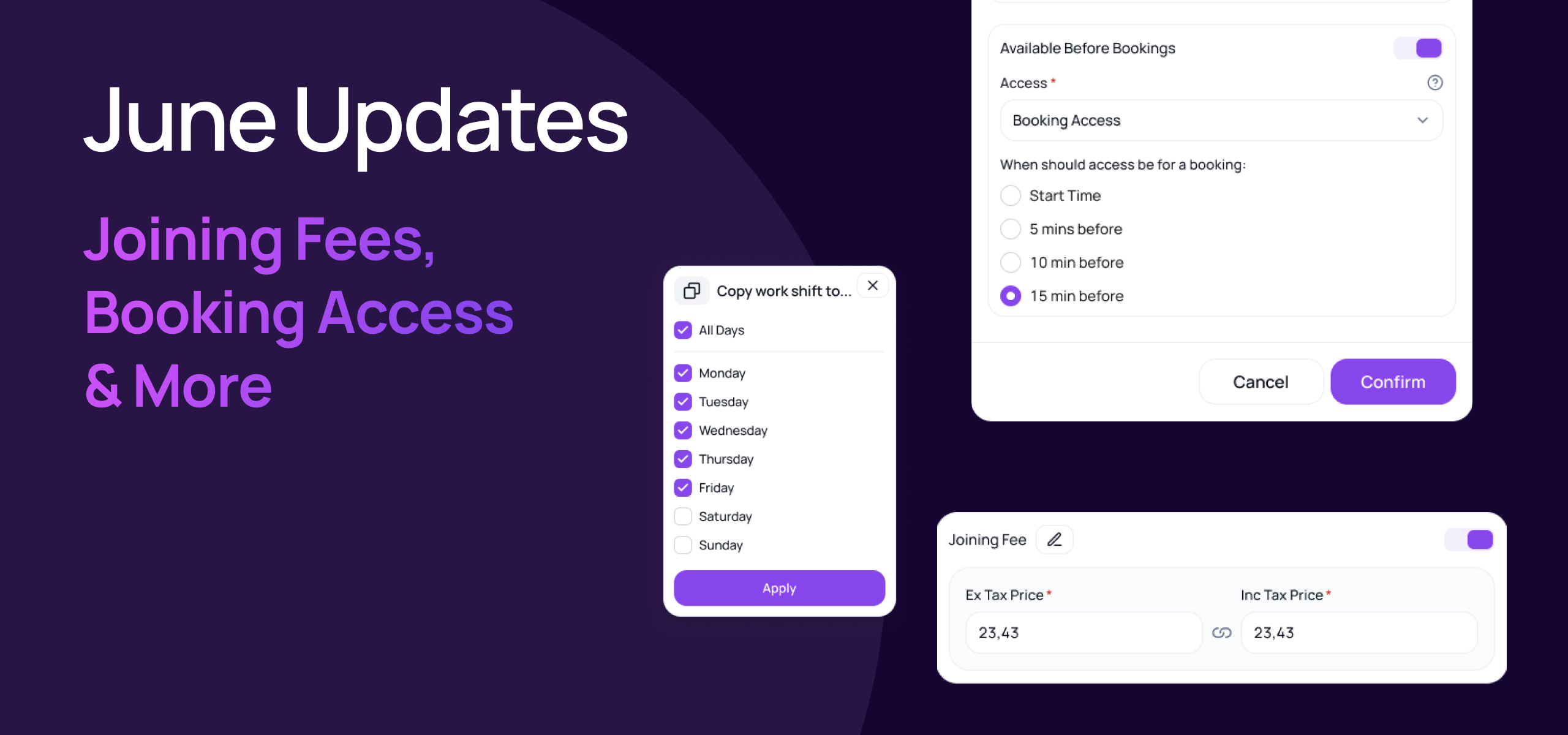
June brings a packed set of updates across memberships, bookings, access control, and integrations. Here's everything that's new in Gymflow so far this month.
💳 Joining Fees
Setting up joining fees is now much simpler. Previously, you had to create a separate product called "Joining Fee" and manually add it to the joining fee section on each membership. That extra step is gone.
Every membership plan now has a built-in Joining Fee section — just open the membership, configure the fee directly, and you're done. No products to create, no extra steps.
Customise Fee Name: If you refer to joining fee as something different e.g Admin Fee, you can easily change the fee name.
Adjust joining fee rates anytime: Easily turn joining fees off/on and edit the price at anytime without needing to modify the membership or create a different plan.

All your existing joining fees, admin fees etc have been migrated over to use this new field so you can immediately start taking advantage of this setting.
📅 Improved Door Access For Bookings
You now have more control over when members can access your space for class and appointment bookings
Set when booking access is granted relative to a booking start time — giving you precise control when the user can enter.
To adjust your settings just head to Settings > Facilities and click edit to change within your facilties settings.

📋 Copy Shifts
Setting up staff availability is now faster than ever. Copy an existing availability shift rather than building it from scratch — a real time-saver when setting up recurring or similar schedules across your team.

🔍 Payment Method Filters
Finding transactions is now faster and more focused. Filter transactions by payment method — quickly segment by card, cash, direct debit, or any other payment type used at your club.
Just click the Filter button when viewing any revenue report list and apply the payment methods you want to see.
🔑 Kisi — Delete Inactive Users
Control subscription costs with Kisi by removing inactive users. For those on standard plans, inactive members could push your subscription into higher tiers. You can now Delete inactive users from the Kisi dashboard to save funds without breaking the sync with Gymflow if the member was to re-join.
⚡ Zapier Updates
Two meaningful improvements to your Zapier workflows this month.
Subscription History Zap — New Data Fields Available on the Subscription History trigger, giving you richer automation options for member lifecycle events.
Pause and Resume dates
Contact End Dates
Expiry Dates are now all available
New Zap — Transaction Data — Pass payment and refunds data from Gymflow to any third party tool using this zap.
As always, if you have any questions about these updates, don't hesitate to reach out to our support team.
Kind regards,
The Gymflow Team