🌻 Spring Gymflow Updates
We’ve prepared some updates to make your day to day easier in Gymflow, we hope you enjoy!
🧘♀️Class & Appointment Upgrades
Overbooking made easy
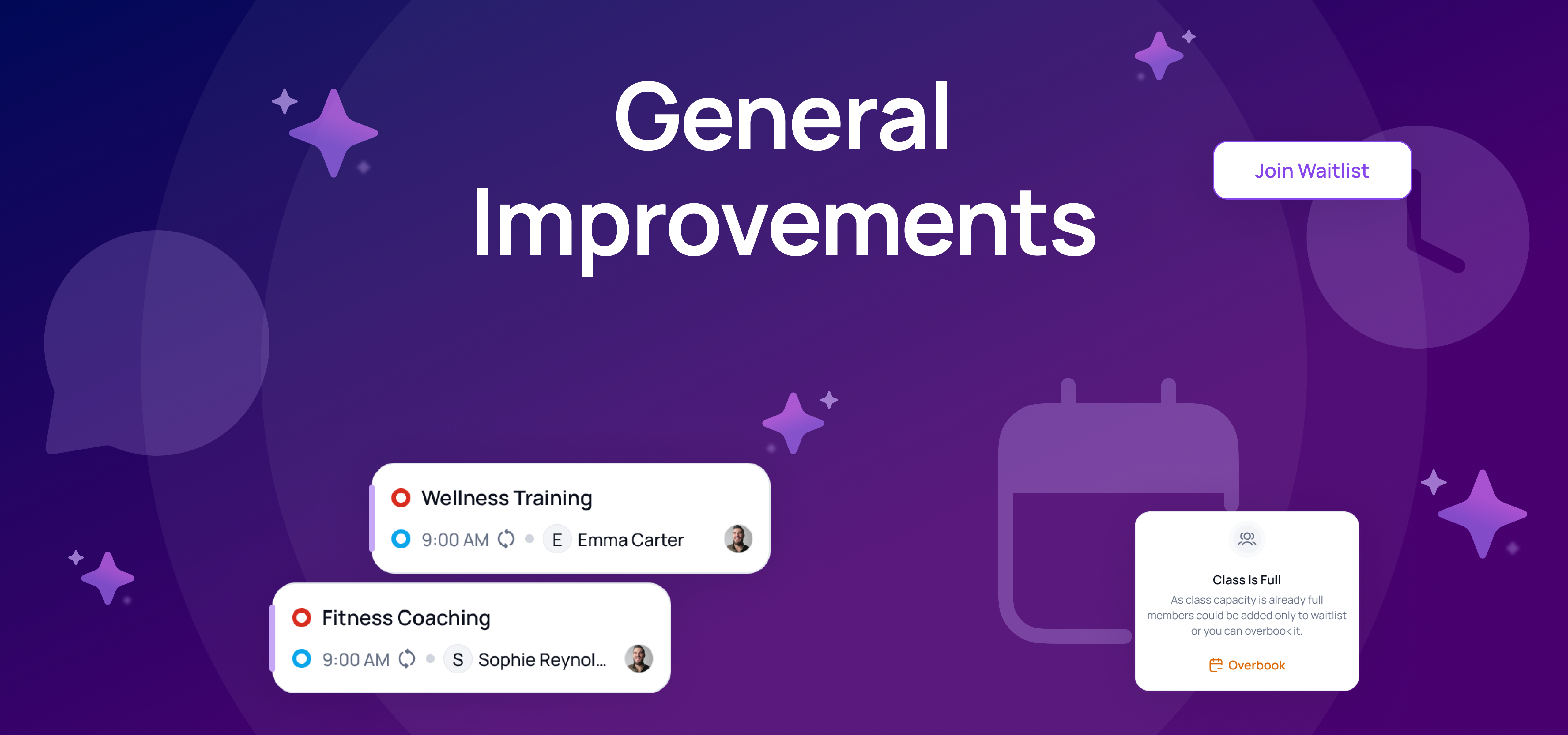
Ever had someone from the waitlist show up and you really wanted to squeeze them in… but the system said no? That’s a thing of the past! You can now overbook classes when needed.
Flexible Waitlist Management
Previously, staff could only move people from the waitlist up to 1 hour before a class. That limitation is gone — you can now manage waitlists anytime, giving staff full control and flexibility.
Shorter Appointment Durations
Appointments can now be as short as 5 minutes. This is perfect for beauty treatments, quick check-ins, or other short services. Previously, the minimum was 15 minutes.
Send SMS to booked list from Staff App
Need to notify class participants about a last-minute change? You can now send an SMS to all booked users directly from the Staff App by tapping “Send SMS to All.” Best of all, these messages are treated as account-related, so they’ll reach clients even if they’ve opted out of marketing texts.
Please note that in order to access this feature, you need to have SMS functionality to be enabled in your club. If you haven’t done that yet, please follow this guide
🧹 Time for a Spring Clean!
You can now delete old items in the system — not just disable them. It’s time to clean up your system and get rid of products and services that are just collecting digital dust.
You can now delete:
Credit Packs
Products
Facilities
Classes
Staff
Email Templates
Heads up: This won’t impact your reports, but deleted items will no longer show up in filter options.
💳 Understand payment methods and disputes better
Invalid Payment methods
We now track when a payment method becomes invalid — for example, if a card is reported lost or stolen — and display this status in Gymflow. This saves you time by letting you know when to ask clients to add a different payment method. Hover over the tooltip next to the “Invalid” status to see the exact reason.
Disputed Payments
From today any payments that are disputed by your customers you will now see in Gymflow. Any disputed payments the invoices will show as a “Disputed” status so you can better track and action disputes.
Let us know if these features make your day-to-day work easier!
Kind regards,