Staff App — Sell Memberships, Credit Packs + Products
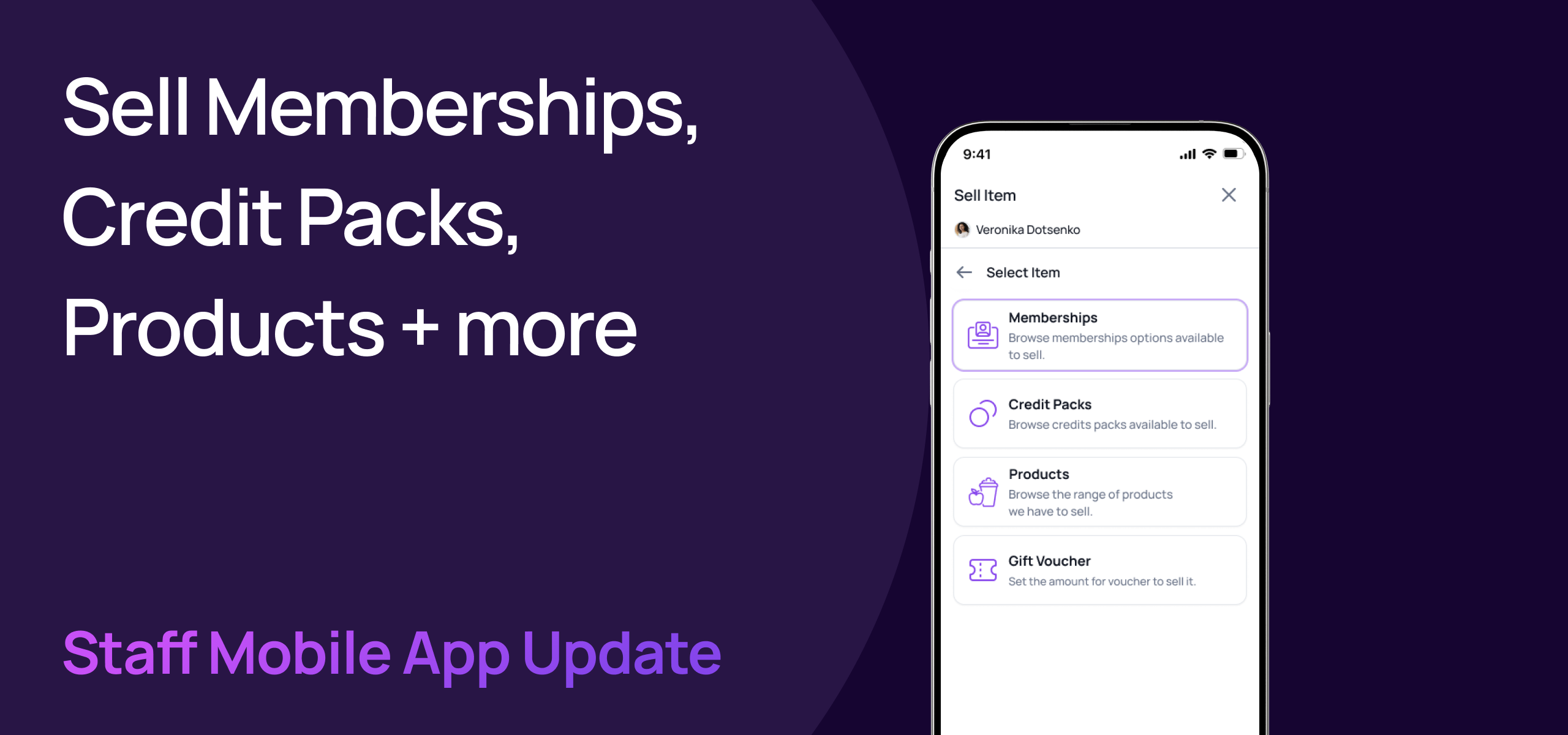
Following on from full member and lead management, we've now brought the entire Sell experience to the Gymflow Staff App. Your team can now sell memberships, credit packs, products and gift vouchers directly from their phone from anywhere!
If you're not already using the staff app, you can download for iOS or Android and sign in with your existing email and password.
🛒 Sell From Any User Or Lead Profile
A new Sell Item action is now available on every user and lead profile. Tap it, pick what you're selling, and you're straight into checkout — no need to switch back to the portal.
Sell from a user profile — opens the shop flow with the user's context already loaded
Sell from a lead profile — automatically converts the lead to a user behind the scenes, then opens the same shop flow. No extra steps for staff, no half-finished records
Item type picker — choose between Memberships, Credit Packs, Products or Gift Vouchers from a single shop screen

💳 Browse & Sell Every Item Type
Every sellable item from the staff portal is now available in the app, with the same browsing experience your team is used to.
Memberships — browse Recurring, Pre-Paid and Trial memberships using filter tabs, with search to quickly find the right plan
Credit Packs — browse all available packs with name and price at a glance
Products — browse your full product catalogue
Gift Vouchers — set a custom voucher amount with full currency formatting and validation
🧾 Full Checkout In Your Pocket
The checkout screen brings the complete portal experience to mobile, with no compromises on what staff can do.
All payment methods supported — charge a saved card on file, mark as paid in person (cash or terminal), or pay using the member's wallet balance
Promo codes — apply a promo code at checkout and see the discount reflected immediately in the order summary
Wallet balance — apply available wallet credit toward the total, with the remaining amount due clearly displayed
Order summary — service name, subtotal, tax and amount due always visible so staff and members are clear on what's being charged
Membership start dates — pick a custom start date for new memberships at the point of sale

✏️ Override Prices At Checkout
Staff can adjust the price of an item directly at checkout — perfect for negotiations, special deals, or one-off corrections.
Editable price field on the checkout screen
Original price stays visible for reference so there's a clear audit of the change
Works alongside promo codes and wallet balance — the override sets the base price, discounts apply on top
Available across item types, including appointment checkouts
This update closes the last major gap between the staff portal and the staff app. Whether your team is at the front desk, on the gym floor, or running a class, they can now manage members, take bookings, and process sales — all from their phone.
If you have any questions, don't hesitate to reach out!
Kind regards,
The Gymflow Team