🗓️ October General Updates
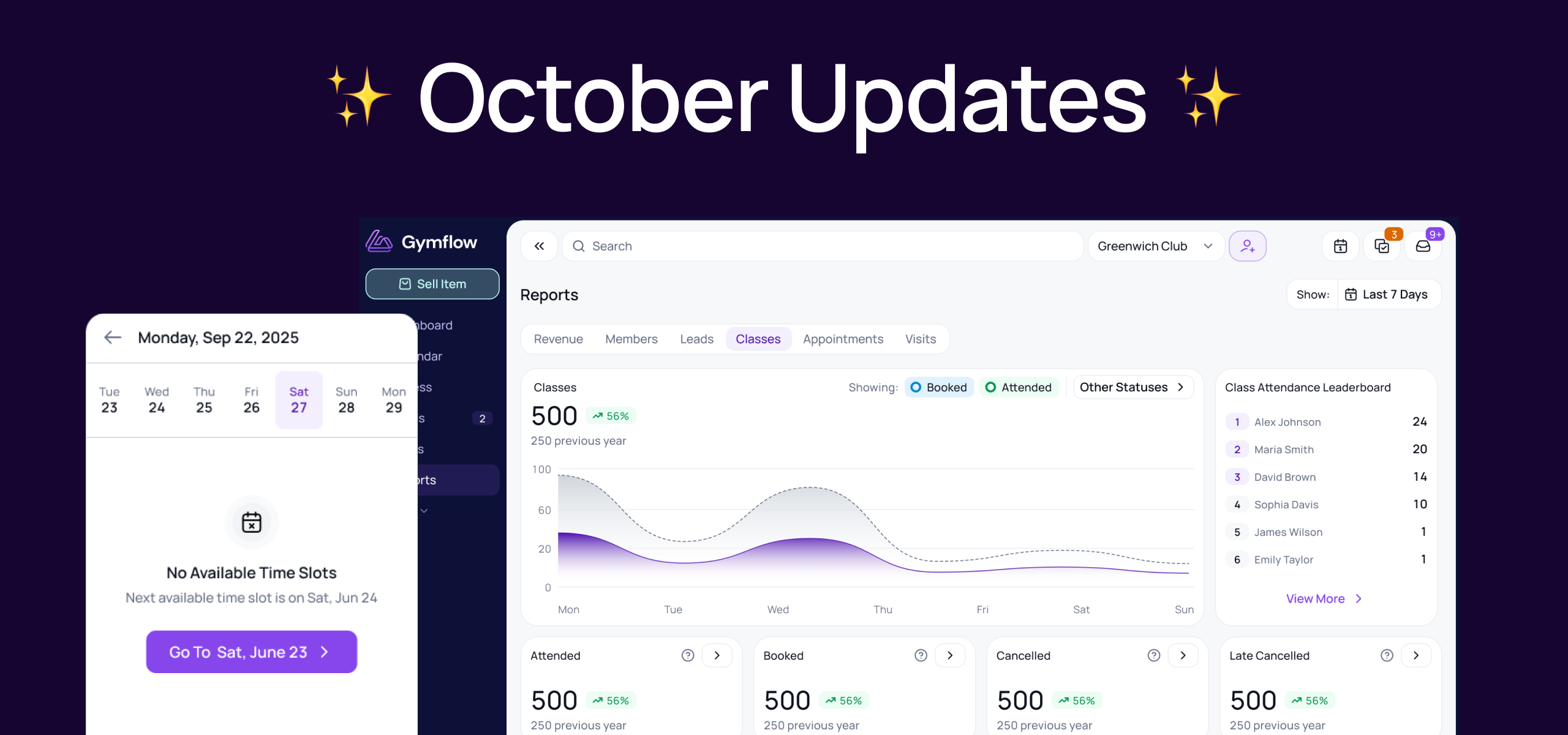
A round-up of what shipped this month: five new reports, visit history for staff and members, notice periods for pauses, and two booking improvements that save your members a few taps.
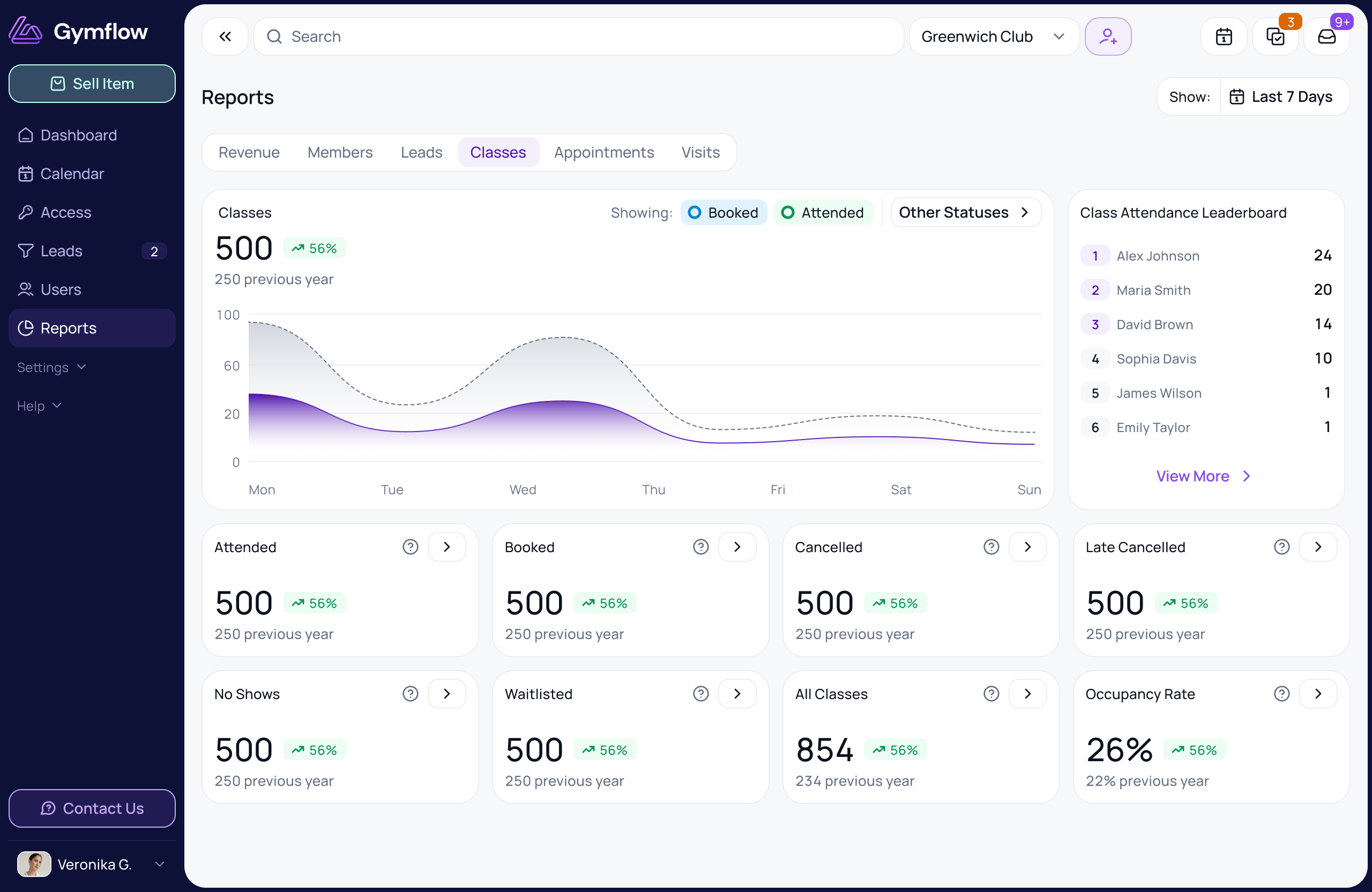
📊 New Report Charts & Updated Reports
You'll find each one in the matching section of Reports, for example Reports > Classes or Reports > Appointments. Every chart can be filtered by date range at a minimum.
Class Bookings chart: see your class bookings over time. It shows Booked and Attended by default, but you can switch to any booking status and filter by booking category, class name, staff and facility.
Appointment Bookings chart: the same view for appointments, with extra filters for payment status and payment type.
New Leads chart: track how many new leads you're bringing in and spot which weeks or months perform best.
Invoices by Status: see all your invoices by status: Paid, Overdue, Written Off, Awaiting Authorisation, Refunded, and now Processing, so you can see payments by bank debit and that haven't cleared yet.
Class Attendance Leaderboard: see which members attended the most classes over any period you choose. Perfect for rewarding your most loyal members or running an attendance challenge.
Memberships Ending: Report now includes more information and additional filters for submitted date, cancellation reason and more.
🚪 Individual Visit history for staff and members
For staff: the existing Visits tab on a member's profile can now be filtered by date range and downloaded as a CSV.
For members: members have their own new Visits tab, where they can see their visit history, filter it by date and download it as a CSV. Handy when they need proof of attendance for an employer wellness scheme or insurance claim, without having to ask your team.
⏸️ Notice periods for pauses
You can now set a notice period for self-serve pauses, so members have to request a pause a set number of days in advance. Like your other self-serve rules, it's set per membership in the membership settings, so each plan can have its own notice period.
The notice period applies when members pause their own membership. Read the self-service pauses guide to set it up.
📅 Smoother booking for members
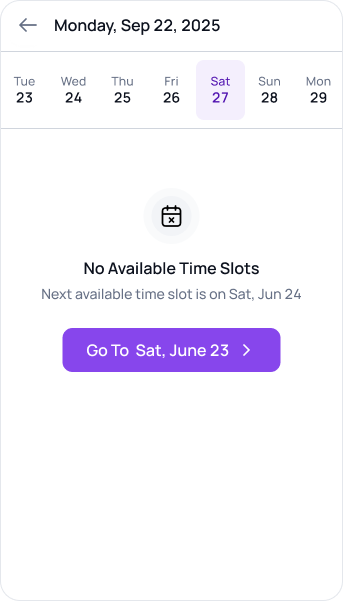
Jump to the next available appointment: if there are no appointments on the chosen date, members can go straight to the next available slot in one tap, instead of browsing day by day.
See when bookings aren’t open: members can now see when appointment bookings are not open yet before attempting the booking to improve the experience.
We hope these make things easier for you and your members. As always, we'd love to hear what you think.
Kind regards,
The Gymflow Team