Smarter Waitlists With Opt In Now Available
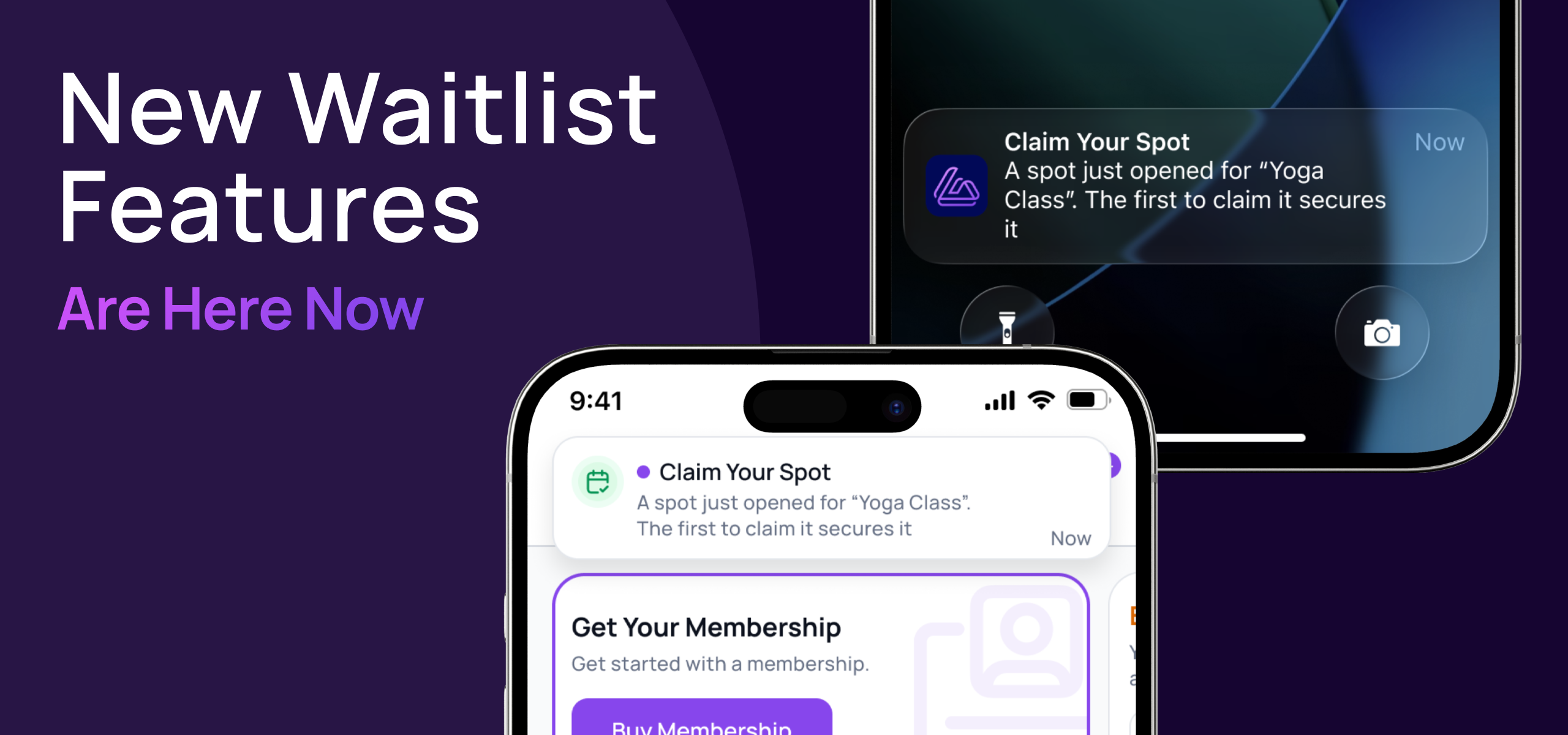
Waitlists now work as a fair queue while there's time, then switch to opt-in when close to class. Nobody gets booked into a class they can no longer make and accidentally end up with a late cancellation fee.
Here’s how it works:
Automatic queue (same as it works today)
Opt in only, during any window you set

Dedicated waitlist notifications
We’ve added two new notifications:
When a user secures a spot (from the automatic queue)
When a space becomes available with link to claim the spot
Both notifications are send via Email and Push Notification to the members app. If member hasn’t enabled push notifications, we prompt them to when they join the waitlist.

Already live but ready to be customised
Existing classes start opt-in at their late cancellation window, and new classes default to 1 hour before class. You can change the window for any class under Settings > Setup > Classes. Opt in window can be customised per class.

See waitlist positions
We heard you, we’ve added the waitlist position to the Staff Web Calendar and the Staff Mobile App Calendar so you can see the queue positions of any user on your waitlists.
This was the most requested waitlist improvement on our feedback board, so thank you to everyone who voted.
Kind regards,
The Gymflow Team