Membership Pausing — New & Improved
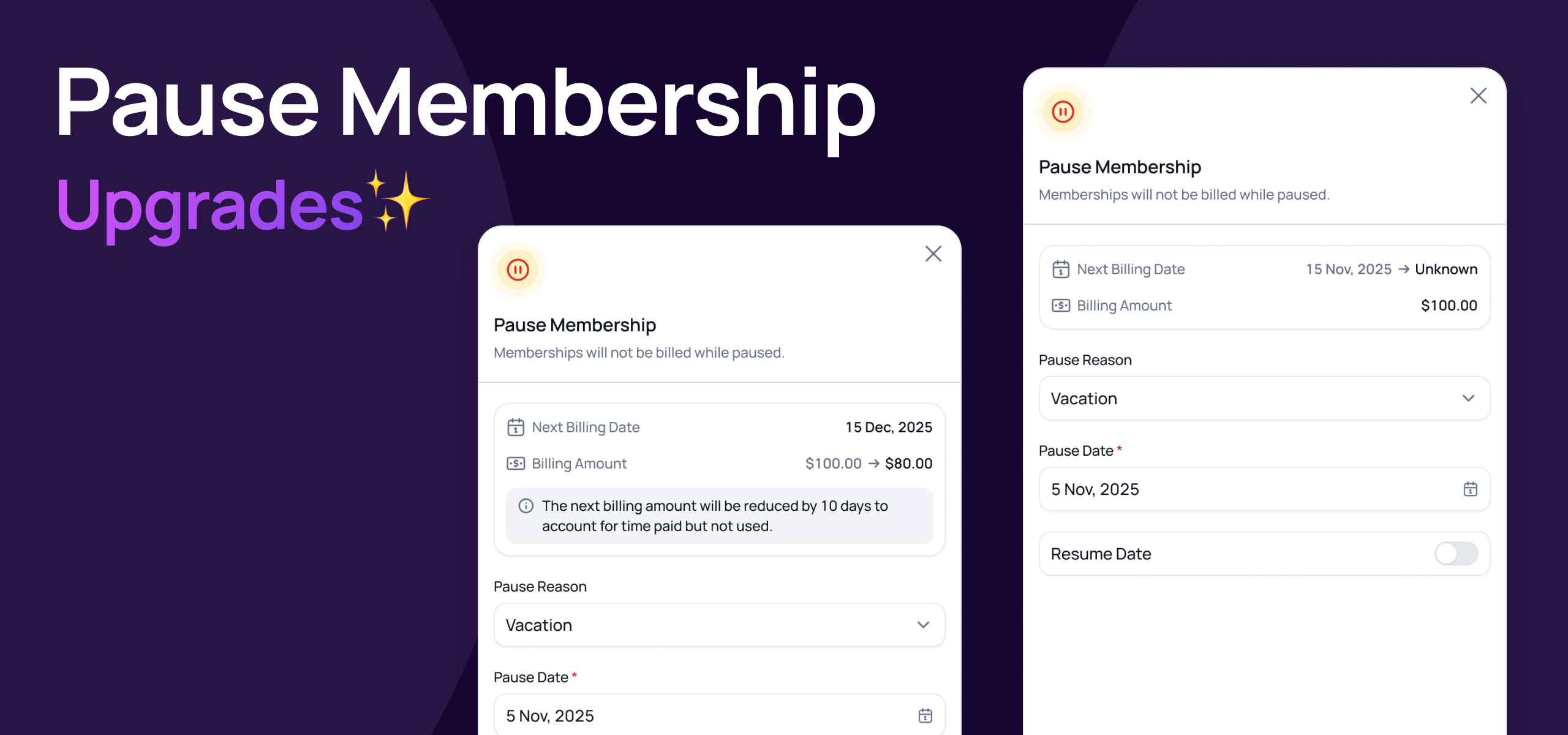
We've overhauled membership pausing completely, simplifying logic for most membership types, improving it for pro-rated memberships and granted staff way more flexibility as requested!
This new flexibly is only available in the staff portal and we have further updates coming enable self service pause for members within club rules and limits.
⏸️ Pause For Any Period You Want
Previously, pauses had to align with the membership's billing cycle. That's no longer the case. You can now pause a membership for any number of days — 10 days, 3 weeks, whatever the member needs. No more forcing pauses to fit around billing dates.
✏️ Edit an Existing Pause
Plans change. If a pause has already been scheduled or a membership is already paused, you can now edit it directly:
Before it starts: Update the pause start date, the resume date, or switch between a specific date and indefinite.
After it starts: Update the resume date or switch to an indefinite pause. The start date is locked once the pause is underway.
🧠 Updated Logic
We’ve improve paused/resume logic to make it simpler and more accurate when managing billing, here’s a high level view of whats changed and how it works:
Flexible Billing Dates: When resuming the next billing date is simply pushed by the amount of days paid but not used (saved days).
Fixed Billing Dates (Pro-Rated): Billing date is retained and either:
A Pro-Rated payment is collected on resume date for any un-paid days between resume date and next billing date OR
Next scheduled billing amount is reduce by an amount if there are less days till the next billing date that was saved.
Pre-Paid Memberships: Expiration date is extended by amount of days paused (within the limit of total days paid).
⏸️ Pause A Pre-Paid Membership
You can now pause a pre-paid membership, given more flexibility to those selling paid in full memberships.
We've updated our help centre with a full guide on pausing memberships — including how resume charges are calculated and how credits and bookings are affected. Check it out here.
⚙️ Track & Customise Pause Reasons
You can now manage the list of pause reasons that appear when staff pause a membership. Add, edit, or remove reasons to match how your club actually operates — simply select Manage Reasons from the pause reason dropdown.
📋 Contract Periods Automatically Extended
Memberships that have minimum terms will automatically have their term extended by any period the memberships is paused to ensure minimum terms are properly un-held.
♾️ Pause Indefinitely
If a member doesn't know when they'll be back — due to injury, travel, or anything else — you can now pause their membership indefinitely. It will stay paused and excluded from billing until a staff member manually resumes it. Perfect for situations where a specific return date just isn't known yet.
If you have any questions, don't hesitate to reach out!
Kind regards,
The Gymflow team